


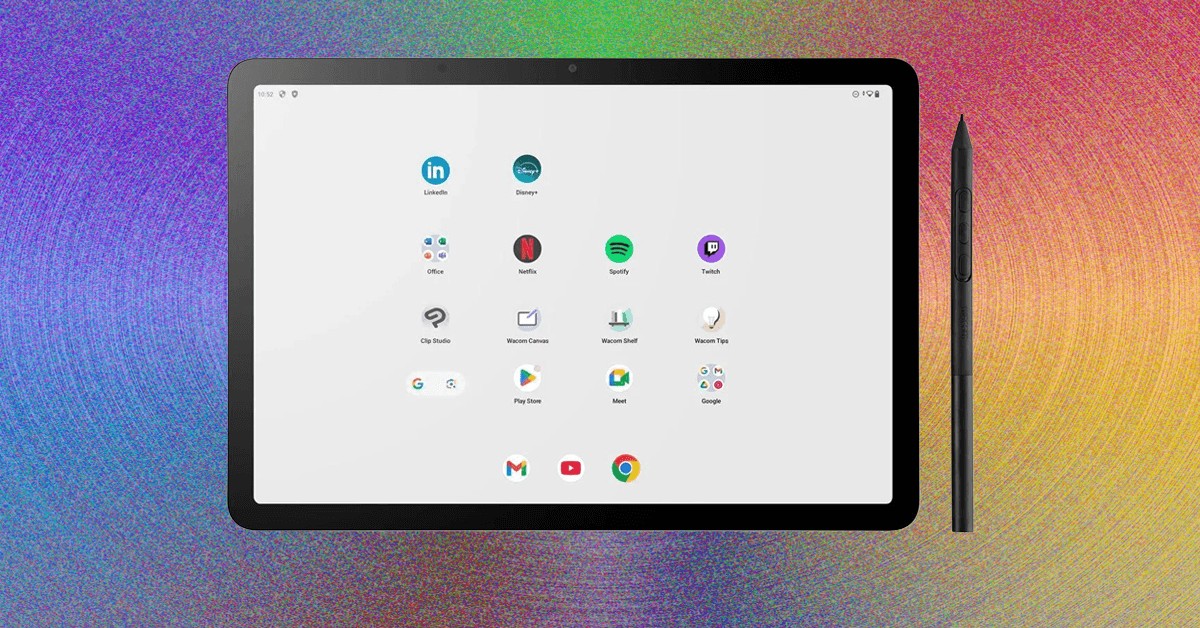
Wacom’s MovinkPad 11 is a focused digital drawing tool designed to compete with the iPad for serious artists. It offers a dedicated, distraction-free experience, prioritizing sketching over general tablet functionality. The device isn’t as powerful as high-end tablets or desktop setups, but it excels in portability and provides the closest feel to drawing on paper currently available in a portable screen format.
The Focus on Drawing
Many digital artists use either powerful desktop workstations with drawing tablets or iPads. However, iPads can be overly versatile – inviting interruptions from notifications and other apps. The MovinkPad 11 deliberately minimizes these distractions, offering a streamlined environment where the primary function is drawing. This device isn’t meant to replace a full workstation, but rather to provide a focused tool for sketching on the go.
Hardware and Performance
The MovinkPad 11 runs Android 14 with 8 GB of RAM and 128 GB of storage (no microSD expansion). Its 11-inch, 2,200 x 1,440-pixel LCD screen features an anti-glare coating and a textured surface that effectively mimics the feel of paper. The screen is directly bonded, eliminating the “drawing on glass” sensation common on other tablets. The drawing area itself measures 9.6 x 6.3 inches.
Performance is adequate for the price point. While not as fast as an iPad Pro, it handles most drawing tasks without lag, though larger brushes and rapid strokes can cause occasional slowdowns. For most artists, this won’t be a significant issue.
The Pro Pen 3: A Standout Feature
The MovinkPad 11 includes Wacom’s Pro Pen 3, a high-quality stylus found in their professional Cintiq line. This pen is superior to the Apple Pencil in terms of intuitiveness and feels more natural to use. Its key advantage is that it doesn’t require charging. Pressure sensitivity is excellent; the pen responds accurately to varying pressure, mimicking both pencils and brushes with precision. The ability to tilt the pen to simulate shading with a pencil further enhances the natural drawing experience.
The Pro Pen 3 included with the MovinkPad is lighter than the Cintiq version, constructed from plastic instead of metal. However, most users will find it comfortable and balanced, resembling a real pencil in weight.
Software and Customization
Being an Android device, the MovinkPad 11 offers access to the Google Play Store. While this allows for general tablet functionality, customization options for the pen are limited compared to Wacom’s desktop software. Pen buttons can still be customized within individual apps.
One standout feature is the double-tap-to-wake function, which instantly opens a new canvas in the Wacom Canvas app. This removes friction from the sketching process, making it almost as fast as grabbing a pen and paper. However, the Wacom Canvas app is less feature-rich than professional software like ClipStudio Paint or Krita.
Conclusion
The Wacom MovinkPad 11 is a compelling choice for artists seeking a dedicated digital sketchbook. Its focused design, excellent pen experience, and portability make it ideal for on-the-go sketching. It is a strong option for beginners, or for artists who want a secondary device separate from their primary workstation. The device prioritizes the drawing experience, and while it won’t replace high-end tablets or desktops, it provides a uniquely satisfying and efficient workflow.


