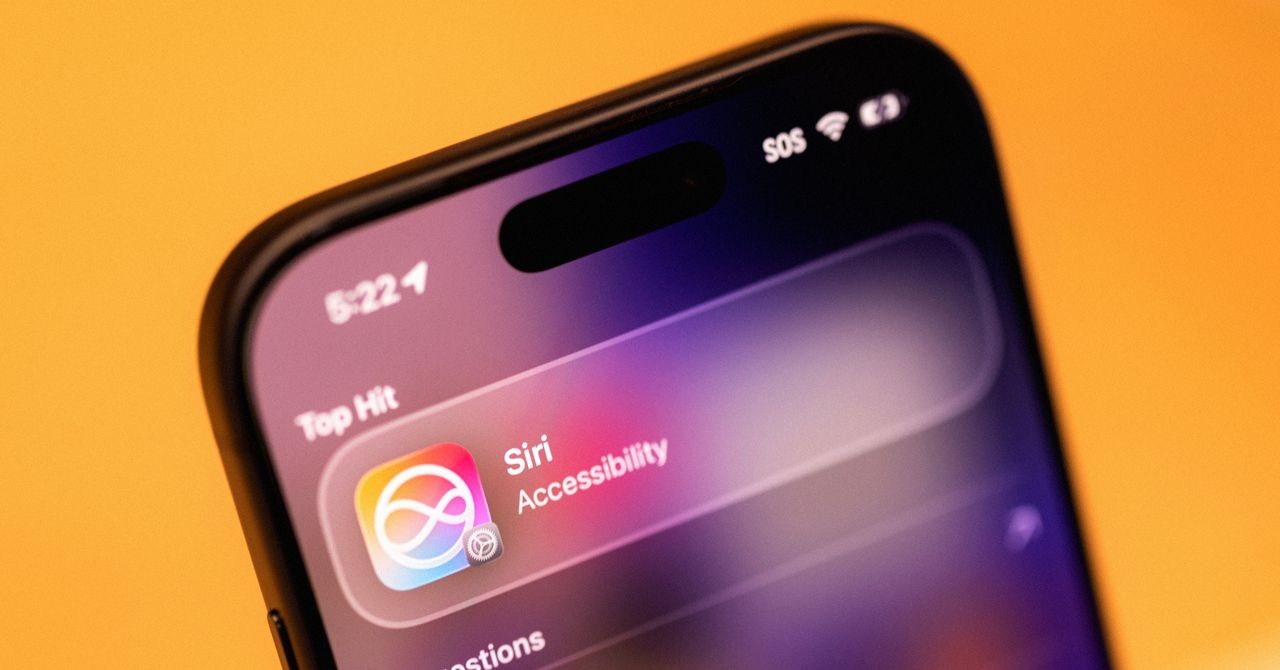
iOS 27 is out in the public beta.
And for the first time, the new Siri you’ve heard so much about is actually usable. Not just in demos. In your pocket.
Showcased as “Siri AI” back at WWDC, this isn’t just a voice tweak. Apple turned the assistant into a full-blown chatbot and stitched it into every corner of the iPhone experience.
I tested it.
It works.
Better than before, anyway. Finding old vacation pics, texting quickly, hunting down pancakes. Basic prompts. Surprisingly decent results. It’s not perfect—nothing new from tech giants is—but if you’ve ignored Siri until now, you might find reasons to change your mind. There are hidden utilities here that could stick.
It feels less like an add-on now and more like infrastructure.
Nabila Popal at International Data Corporation put it best.
They’ve integrated it across the entire ecosystem. You can access it anywhere, talk to it, or use the app. The integration was done well.
You can still disable it if you hate AI. But the convenience is undeniable. Maybe enough to rewrite your relationship with your phone.
How to Get It (Without Breaking Your Phone)
Want in? Sign up for the iOS 27 public beta via the Apple Beta Software Program.
Back up your phone first. Betas crash. Sometimes. I ran the developer betas on my iPhone 16 Pro Max. Zero issues. YMMV.
Once iOS 27 is on, go to Settings. Join the Siri waitlist. You’ll get a ping when it’s your turn. Wait it out.
The New App
Look for the chat interface.
It’s the most obvious change. The Siri app exists now. Mostly an archive, honestly. Past chats live here. Threads linger. You can restart them. Or start fresh. But why? Siri lives in Search now anyway. I barely opened the app to chat.
Worried about data? Privacy controls are straightforward. Settings -> Siri AI -> Keep Conversations. Pick a lifespan: forever, one year, or thirty days. Older stuff vanishes if you choose short terms. Simple enough.
It looks like ChatGPT. Acts like ChatGPT’s poorer cousin for now.
No memory. Seriously. If you’re vegan, Siri won’t remember next Tuesday. Tell it again. Again. And again. It’s early. Apple will likely add user preference memory soon. Until then, repetition is key.
Your Data is Its Fuel
Even after joining, wait for the indexing.
This is where the magic happens. Siri builds an on-device map of your digital life. Look for “Optimizing Search and Siri” in your battery status. Progress bar included. It took me over a week. Your mileage varies. Storage and device age matter.
Why bother? Context.
Real context. Josh Clark of Big Medium explains the edge here:
Siri is cooked into the OS. ChatGPT doesn’t get this level of access easily.
Ask Siri what’s happening this week. It checked my texts. Saw a TikTok order arriving. Noticed a movie mention in a group chat? Reminded me to buy Castro Theater tickets. Checked my calendar. Found a birthday party.
It connects dots between apps without leaving the query box.
Don’t want that? Turn off “Learn from this App” for specific services in Siri Settings. Default is ON, though. It’s eager.
Siri lives in Search too. Swipe down from the center of your home screen. Type or dictate. Hit enter. It hands you an answer, not just web links. Asked for driving routes to Sacramento? It opened Maps with the path already set. Clever. Tap “Show Results” if you still want the old Google experience.
Eyes on the Screen
It sees what you see.
Called “Visual Intelligence” before, it’s sharper now.
Scrolling Bluesky? Saw rumors about Lorde bashing Meta’s AI glasses? No source linked? I asked, “Where did she say that?”
I didn’t specify “Lorde” or “Meta.”
Siri knew.
It looked at the screen. Confirmed the Madrid festival event. Gave links. No manual context needed. Just “she.”
It applies to the camera app too. New tab. Point at stuff. It generates context. Upload images for deeper web searches. Or just get a quick paragraph explanation of whatever you’re photographing. Useful, sometimes spooky.
Everywhere. Mostly.
Siri isn’t just an iPhone thing anymore.
It’s on iPads. Macs have a dedicated shortcut. Screenshot integrations are there. Even Vision Pro owners get it.
But there are hoops.
Siri AI needs silicon. iPhone 15 Pro or newer.
Running iOS 27 on an older device? You’re getting the update. But you’re not getting the new Siri. Check your model number before getting hyped.
Back to the iPhone. The writing features are handy.
Drafting a note? Composing a text about storage bins for the apartment? Tap Siri. Give the gist. It writes the draft.
Not robotic. Not exactly human either. But decent. It mimics tone well enough to be usable. A massive upgrade over those basic keyboard predictions of the past.
It’s messy.
It’s evolving.
And it’s probably going to learn a lot about you before it learns how to fold laundry.