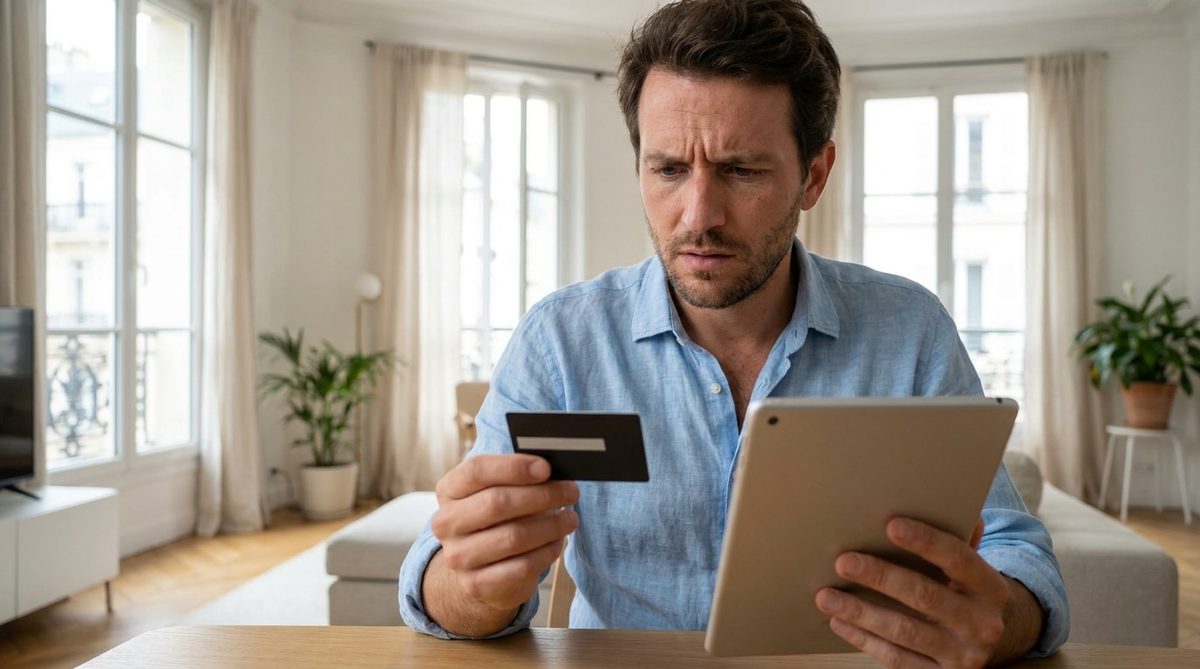
Summer brings sunshine, shared meals, and the casual habit of handing your debit card to a teenager, a neighbor, or a friend. They need ice cream, petrol, or potting soil. You hand over the plastic. It feels harmless. But there is a technical detail hiding in your banking app that can drain your budget while you are still waiting at the gas station.
The default settings on most French bank cards allow contactless payments up to 50 euros without asking for a PIN. That is a lot of money to lose if someone “helps” themselves or if the card is stolen. You do not need to call your bank. You do not need to order a new card. You just need to change one setting on your phone.
Why contactless payment is a risk when you share your card
Banks in France have tightened security, but one gap remains. The system is built for convenience. You tap the card. The payment goes through. No password. No friction.
This design is dangerous when you do not hold the card.
If a minor uses your card for snacks, they can make several purchases in a row. Each one under 50 euros. No PIN required. The total can add up quickly. Worse, if the card is lost or stolen, a fraudster can drain small amounts from multiple shops before the system blocks the card.
Leaving your card in someone else’s hands without adjusting security settings is like leaving your front door unlocked.
How to disable contactless payment in your banking app
The fix is in your bank’s mobile app. You need to turn off contactless payment.
Here is how it works:
- Open your bank app.
- Go to the card security or payment settings.
- Find the option for contactless or “paiement sans contact.”
- Toggle it off.
That is it. The change is instant. No paper. No waiting. The chip in your card now rejects any tap payment.
When you hand the card to someone else, they must insert it into the terminal and enter your PIN. That single requirement stops most unauthorized transactions.
To turn it back on, just tap the screen in the app. It takes one second.
Adjusting spending limits for better control
Disabling contactless entirely is the safest option. But if you want a middle ground, you can lower the spending limit.
Most contracts allow limits between 30 and 50 euros. You can change this in your app.
Lower the limit to 15 euros. Now, any purchase above 15 euros requires a PIN. This forces verification even for small amounts.
Here is how the three options compare:
- Limit at 50 euros : Minimal security. High risk of small, untracked purchases.
- Limit at 15 euros : Intermediate security. PIN required for average purchases.
- Contactless disabled : Absolute security. Card cannot be used without full owner intervention.
The trade-off is convenience. With contactless off or limits low, every purchase takes a few extra seconds. But that friction is exactly what stops unauthorized spending.
Check your app before you lend your card. It takes less than a minute. Your savings will thank you.
Biometric auth and single-use cards as first-line defense
Face ID and fingerprint checks have moved from novelty to baseline. If you are helping a relative manage their money, make sure their bank app requires biometric verification for transfers. It is not optional anymore. It is the floor.
Beyond that, look for virtual single-use cards. Some banks generate a temporary number valid for one specific purchase. Use this for online transactions. The physical card number stays hidden. If that temporary code leaks, the damage is limited. The plastic card in your wallet remains untouched.
The goal is isolation. One transaction, one credential, no permanent exposure.
Spotting micro-transactions before they become a pattern
Modern budgeting apps do more than track spending. They flag anomalies. A $2.99 charge from an unknown merchant triggers a notification. Not a monthly summary. A real-time alert.
If a fraudulent charge slips through, you are not powerless. Consumer protection laws in many jurisdictions mandate full reimbursement for unauthorized transactions, provided you report it in time.
The critical deadline: 8 weeks.
That is the window from the moment you spot the anomaly on your statement to the moment you formally notify your bank. Miss that, and you may absorb the loss. Do not wait for the next billing cycle. Do not assume the bank will catch it. Check your statements weekly. Set a reminder. The administrative effort is minimal. The financial risk is not.
Turning the security slider before you hand over access
Managing someone else’s accounts is an act of trust, but trust without verification is negligence. Before you give a family member or caregiver access to purchase groceries or pay bills, do this:
- Open the security tab in their banking app.
- Verify which virtual payment methods are active.
- Disable or regenerate any credentials that have been exposed or are unused.
This takes less than five minutes. It prevents the awkward, expensive conversation that happens when a mistake turns into a dispute. The question is not whether you should do this. It is whether you will do it before the next shopping trip, not after the first bad transaction.